Day3 - Basic Linux Commands

I write blogs about DevOps current and emerging tools/technologies.
#Day3 of #90DaysOfDevopsChallenge
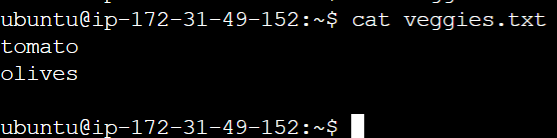
1. To view what's written in a file
Ans :- cat file_name

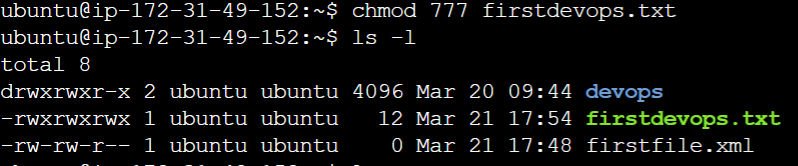
To change the access permissions of files.
Ans :- chmod 777 file_name
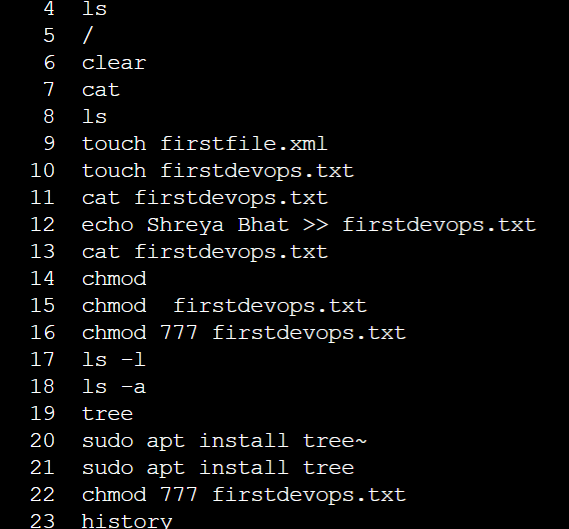
To check which commands you have run till now.
Ans :- history
To remove a directory/ Folder.
Ans :- rm - rk ./directory_name or rmdir

rm filename
To create a fruits.txt file and to view the content.
Ans :- Nano file_name
Insert the content
Save the content
Cat file_name
Add content in devops.txt (One in each line) - Blore, Mysore, Delhi, Pune
Ans:- echo content >> file_name

To Show only top three cities from the file.
Ans:- head file_name -n 3

To Show only bottom three cities from the file.
Ans:- tail file_name -n 3

To create another file Colors.txt and to view the content.
Ans :- nano file_name - to create a file and add the content
cat file_name
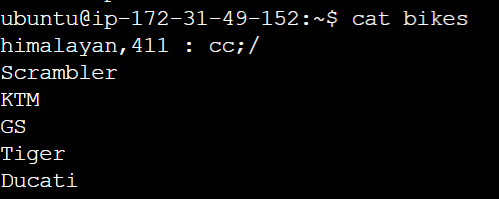
Add content in Colors.txt (One in each line)
echo content >> file_name
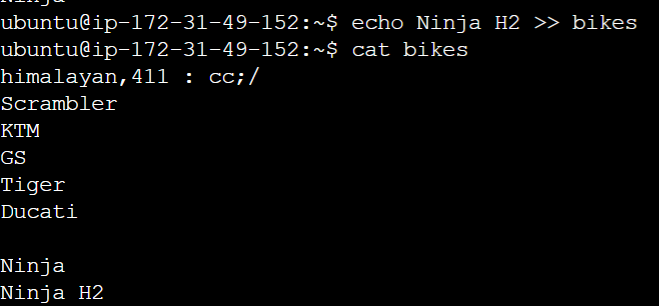
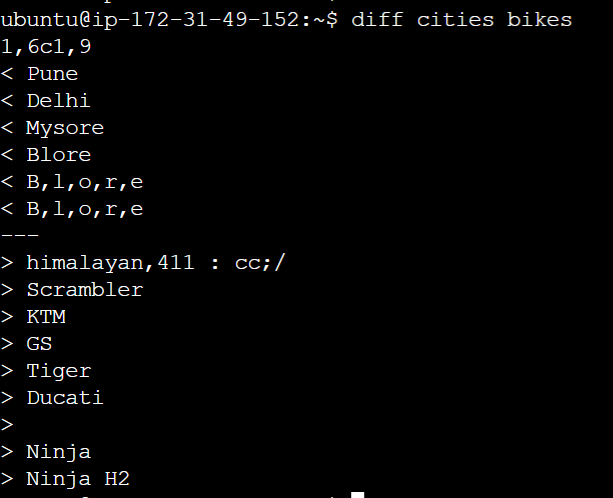
To find the difference between cities.txt and bikes.txt file.